
Information!
This plugin is not currently available for the public, development and info is subject to change
Magic Kanban Docs
How to use Magic Kanban
Notice!
This plugin requires the free Magic Core plugin to work, please insure you have that installed so you can use this plugin!
Pre-Installation
As the notice above says you do require the Magic Core to have this and many other Magic Suite plugins to work. This is so I can connect them and have functionality shared between each of them such as icons or more.
How To Install Magic Core
To install Magic Core all you need to do is make sure you have the plugin located in the engine's plugin folder or the projects plugin folder. The plugin will detect either of them.
Installation
To install Magic Notes you need to move the plugin folder to either the engine's plugin folder or the projects plugin folder, either works.
Info!
Blueprint version only! C++ version is currently in works
Quickstart
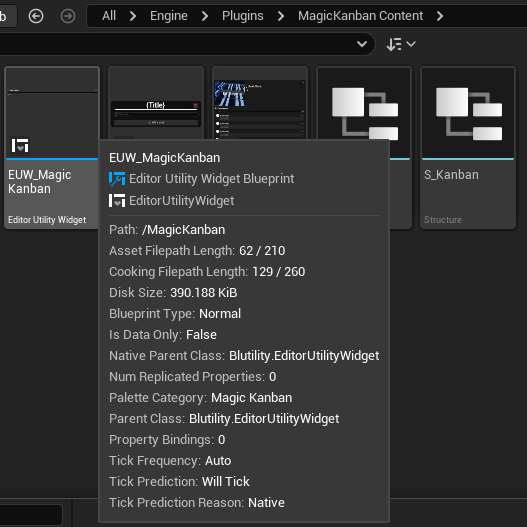
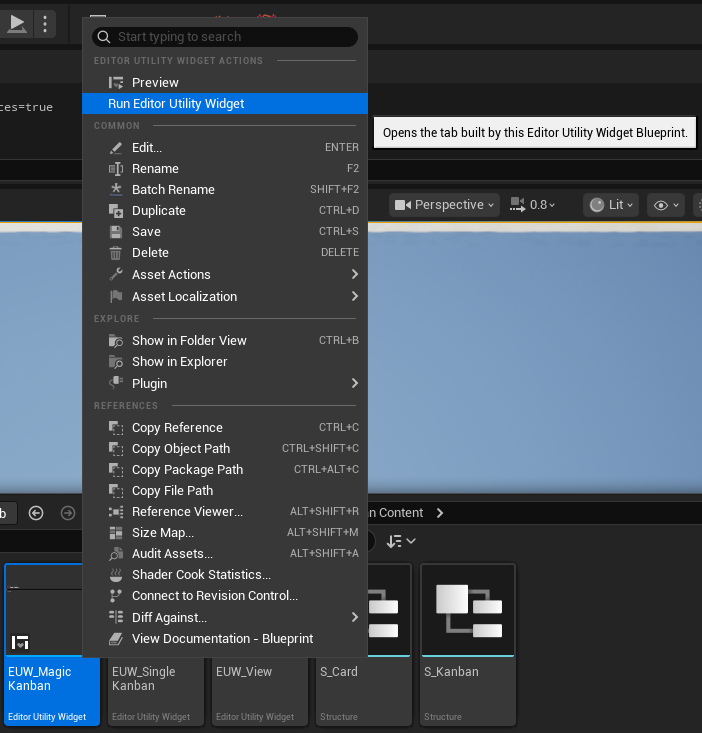
To get started with this widget quickly first find the content folder for the widget and run the main Magic Kanban widget!

Add Kanbans
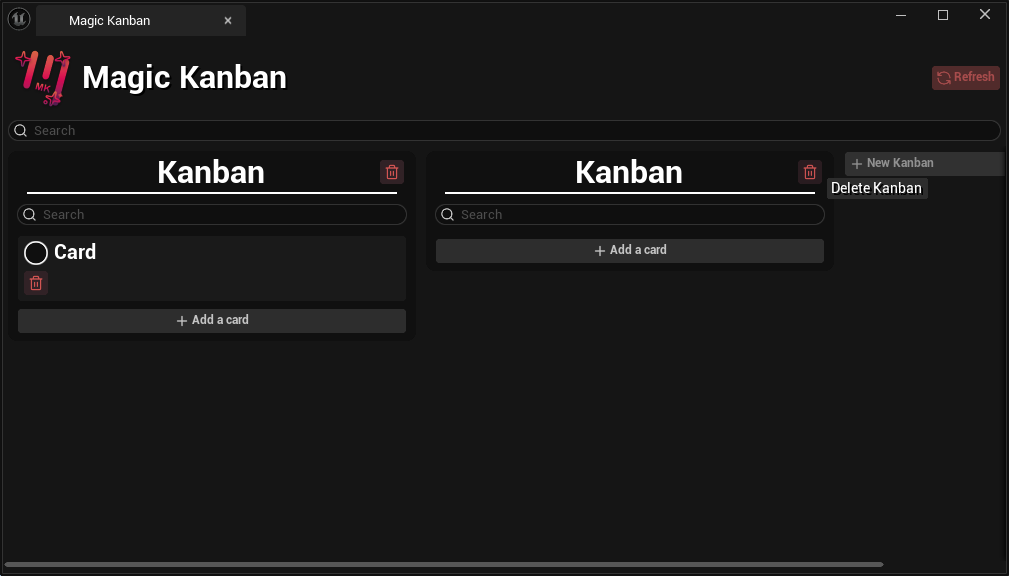
Magic Kanban allows you to add boards into the kanban via the new kanban button. You can refresh the kanban if needed by using the refresh button.

Add Cards
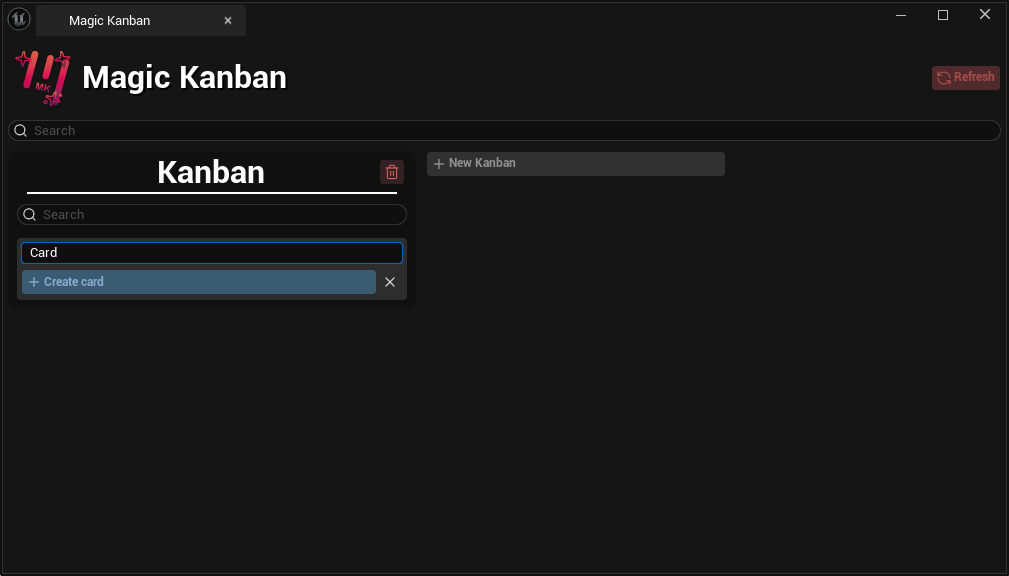
Magic Kanban allows you to add cards on a board by clicking the add card button. This button expands into a text box and allows you to add a card with a title or cancel the action.
Moving Cards
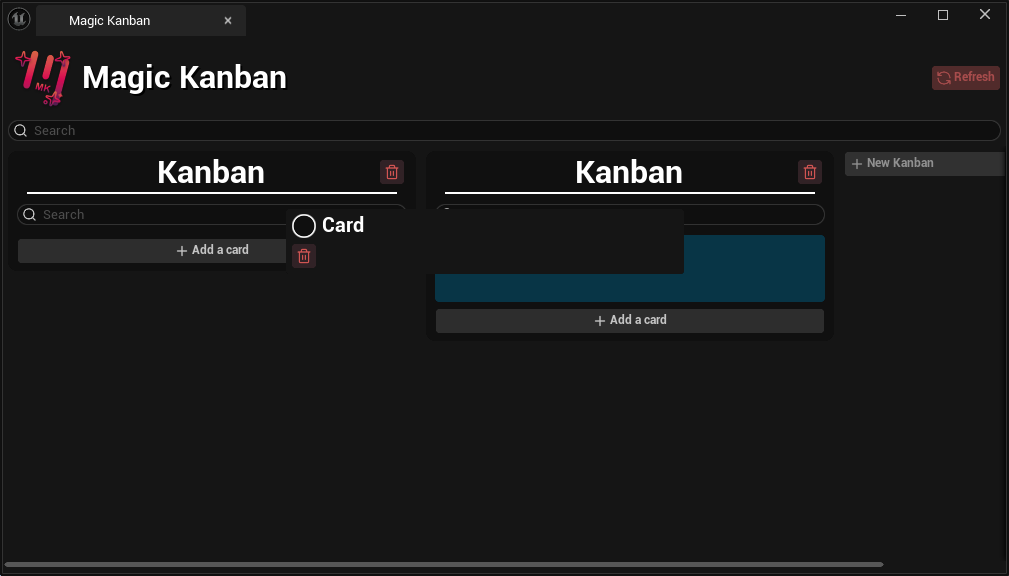
You can move the cards to each board by holding right-clicking on the card and dragging it. There will be a visible blue square to show which board it is being placed onto.
View Mode
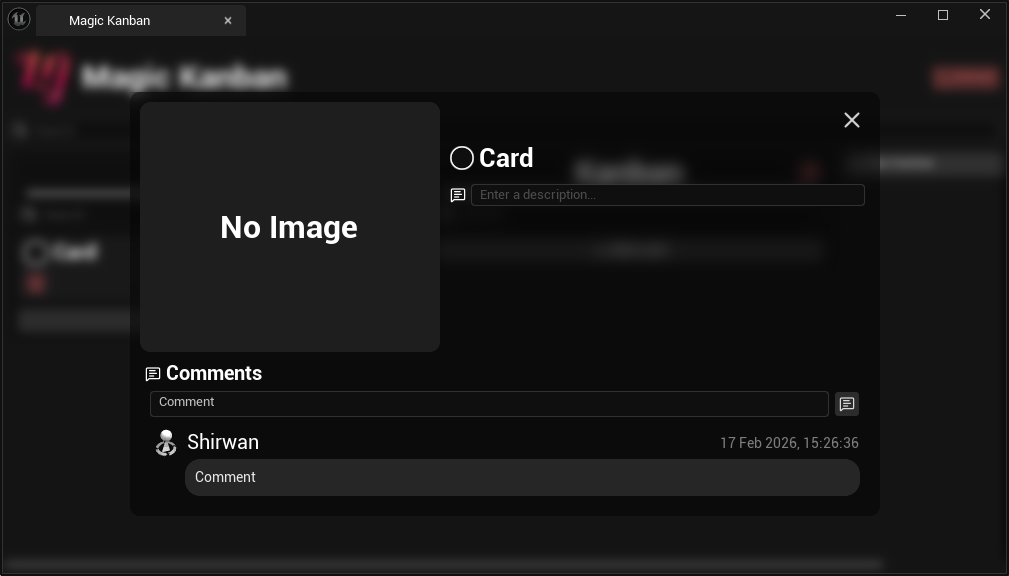
Magic Kanban allows you to view each card in a larger and more advanced view. This view allows you to enter a description and add comments to the card. You open this section by left-clicking on a card
Technical Details
Magic Kanban has an actor that spawns into the world when opening the widget for the first time (This may change in the future). This actor handles all the data for the kanban in the level.
On This Page